Screenshots
About
MySermonNotes is your complete sermon companion. Combining powerful organisation tools with intelligent Bible integration, it helps you capture, organise, and revisit every meaningful moment from church services, Bible studies, and spiritual gatherings.
Intelligent Note Taking
- Rich text editor with formatting (bold, italic, underline, colours)
- Bible reference auto-completion for accurate scripture citations
- Auto-save and draft saving so you never lose your notes
- Customisable font sizes for comfortable reading
Bible Integration
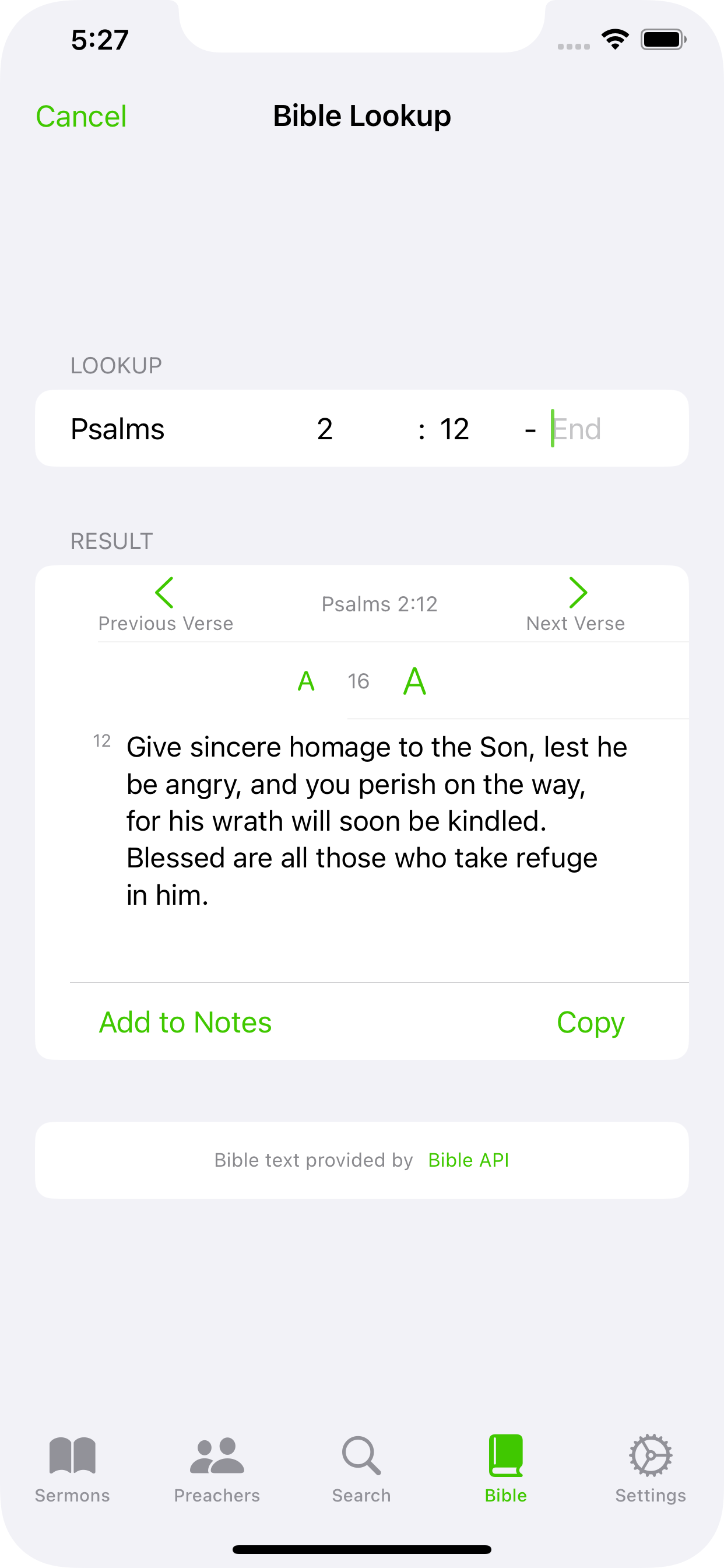
- Built-in Bible verse lookup with real-time search
- All 66 books of the Bible supported
- Add Bible verses directly to your notes with one tap
- Offline Bible access and verse range support
- Verse navigation with swipe gestures
Multimedia & Organisation
- Capture sermon photos and add captions
- Import images from your photo library
- Create todo items from sermon insights
- Add reminders to your device calendar
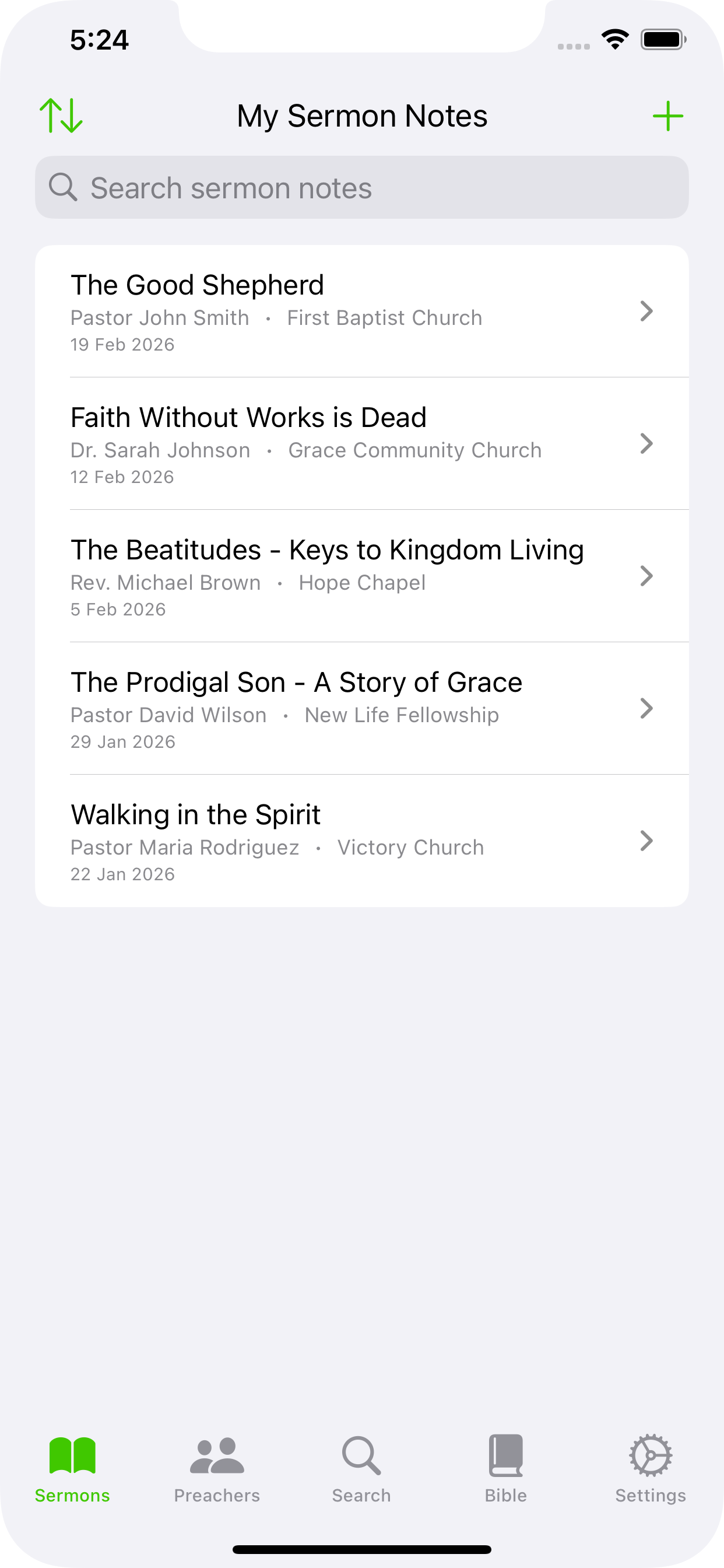
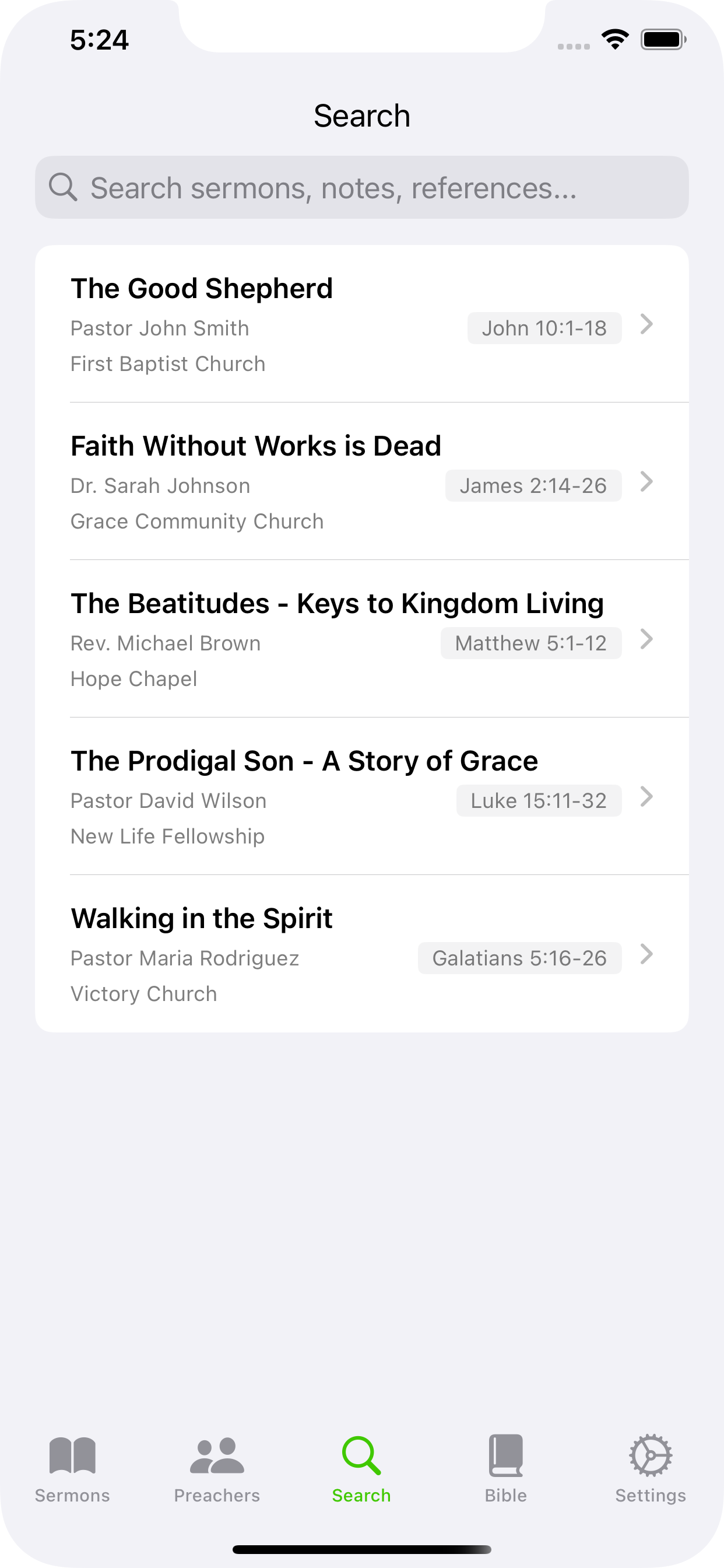
- Search across titles, preachers, venues, and Bible references
- Filter and sort by date, title, preacher, or venue
Preacher Management
- Build a database of preachers and their churches
- Track sermons by specific preachers
- View sermon history for each preacher
Export & Sync
- Export as PDF or Rich Text for word processors
- Share notes via email, messaging, or social media
- iCloud and Google Drive sync across devices
- Light, dark, and system theme support
- Local storage and offline functionality
Fully Free
MySermonNotes is completely free with no premium tiers. All features are included: unlimited sermon notes, full Bible lookup, photo capture, search, PDF and Rich Text export, preacher management, and iCloud/Google Drive sync.
Perfect for pastors, church leaders, Bible study participants, seminary students, and anyone who wants to capture and organise spiritual insights.
Bible text provided by Bible API (bible-api.com)
Privacy
MySermonNotes stores your data locally on your device. Your notes and personal information remain private. Optional cloud sync uses your iCloud or Google Drive account. Privacy Policy | Support