
Palmerston North, New Zealand 021 113 1230 info@artisanmedia.co.nz
Educational web tools

Digital tools shaped around real classroom workflows.

Artisan Media develops focused educational web tools designed to make planning, tracking and classroom routines easier for teachers.

Teacher-focusedBrowser-basedPractical workflows
EDU

Built around the job teachers actually need to do.

Each tool starts with a specific classroom problem, then brings the useful pieces together in one clear workspace.

Plan

Reduce duplicated admin

Track

Keep progress visible

Current projects

Two purpose-built educational platforms

These projects have their own complete websites and working applications. Use this page as an overview, then open either tool in a new tab to explore it fully.

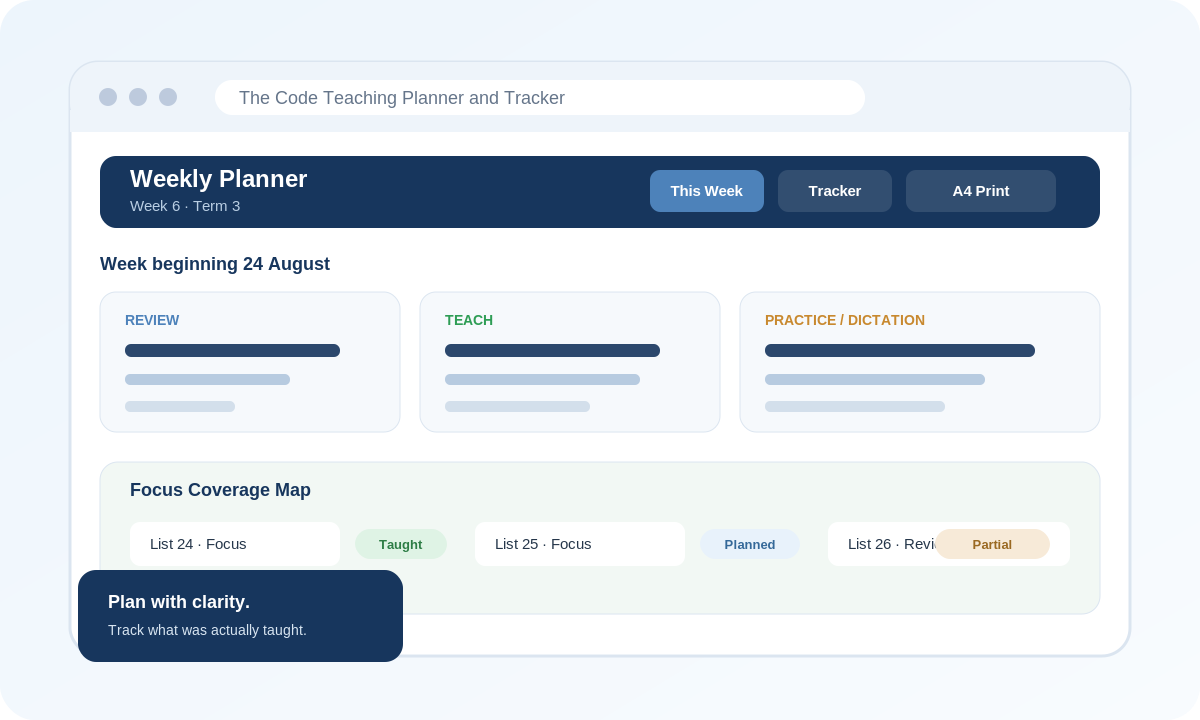
Preview of The Code Teaching Planner and Tracker weekly planning and coverage interface
Planning & teaching coverage

The Code Teaching Planner and Tracker

A connected workspace for authorised users of The Code, bringing weekly, term and year planning together with teaching coverage, collaboration, print/PDF tools and relief-teacher handover.

  • Weekly, term and year planning
  • Record what was actually taught
  • Coverage tracking that distinguishes planned, partial and completed teaching
  • Email-linked collaboration with View or Edit access
  • A4 planning, PDF export and relief handover

Independent companion tool for authorised users of The Code. The Code programme/content remains the property of Liz Kane Literacy.
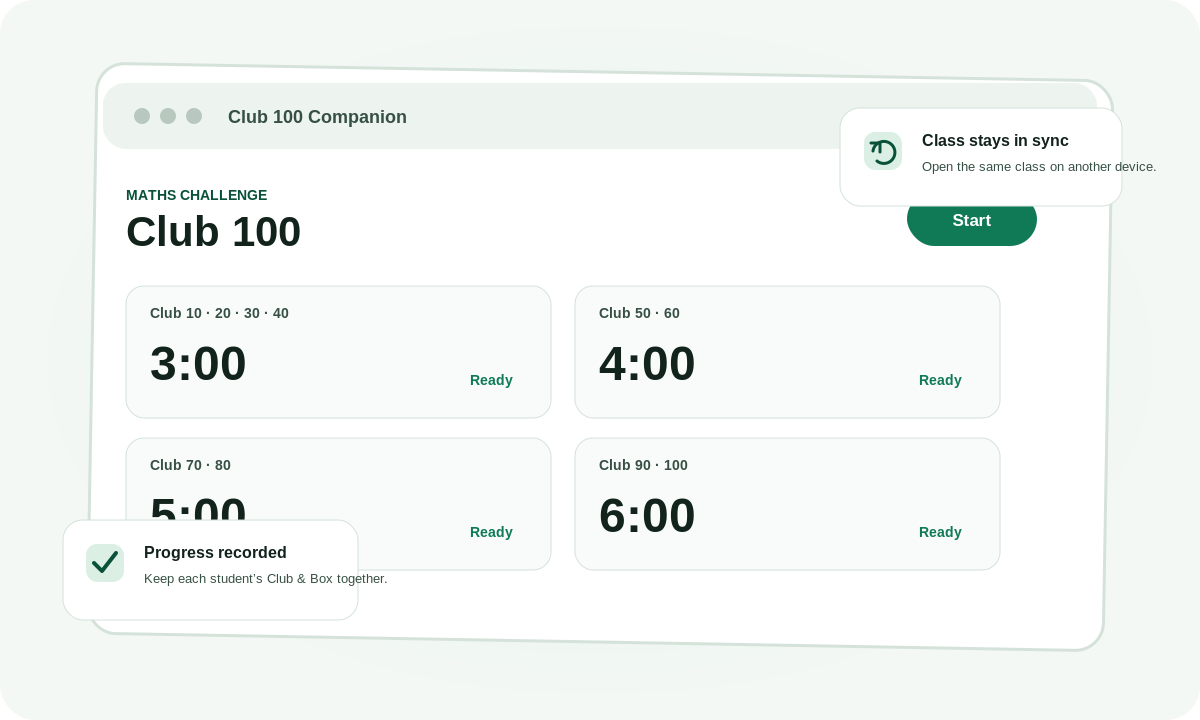
Preview of Club 100 Companion classroom timer interface
Classroom fluency & progress

Club 100 Companion

A classroom companion for teachers using Club 100 – Motivating maths challenges, combining timers, student progress and class settings in one browser-based tool.

  • Run multiple Club timer groups from one screen
  • Track each student’s current Club and Box
  • Open the same class across devices using one Access Code
  • Customise timer lengths, visible Clubs and sounds
  • Cloud-synced class progress and recovery options

Independent companion tool for teachers using Club 100 – Motivating maths challenges by Fiona Watts, published by Essential Resources.

A shared approach

Software designed around classroom reality

The two tools solve different problems, but they share the same design principles: keep common actions obvious, reduce repeated admin and make information useful during teaching rather than only afterwards.

01

Start with a real workflow

The design begins with what teachers already need to plan, run or record, rather than adding features for their own sake.

02

Keep information connected

Planning, progress and settings stay together so teachers spend less time moving between disconnected tools.

03

Work across devices

Browser-based delivery makes the tools practical on the computers and tablets teachers already use.

04

Make outputs useful

Print, PDF, handover and progress views are designed to support the next classroom action, not simply store data.

Educational development

Have a teaching workflow that could work better?

Artisan Media can explore focused educational tools where a clear classroom problem could benefit from a purpose-built digital solution.